Inventory and POS for Android

Run your shop from one simple app.

Track stock, record sales, and manage customer credit—even when the internet is down.
Works offline Data stays on your device
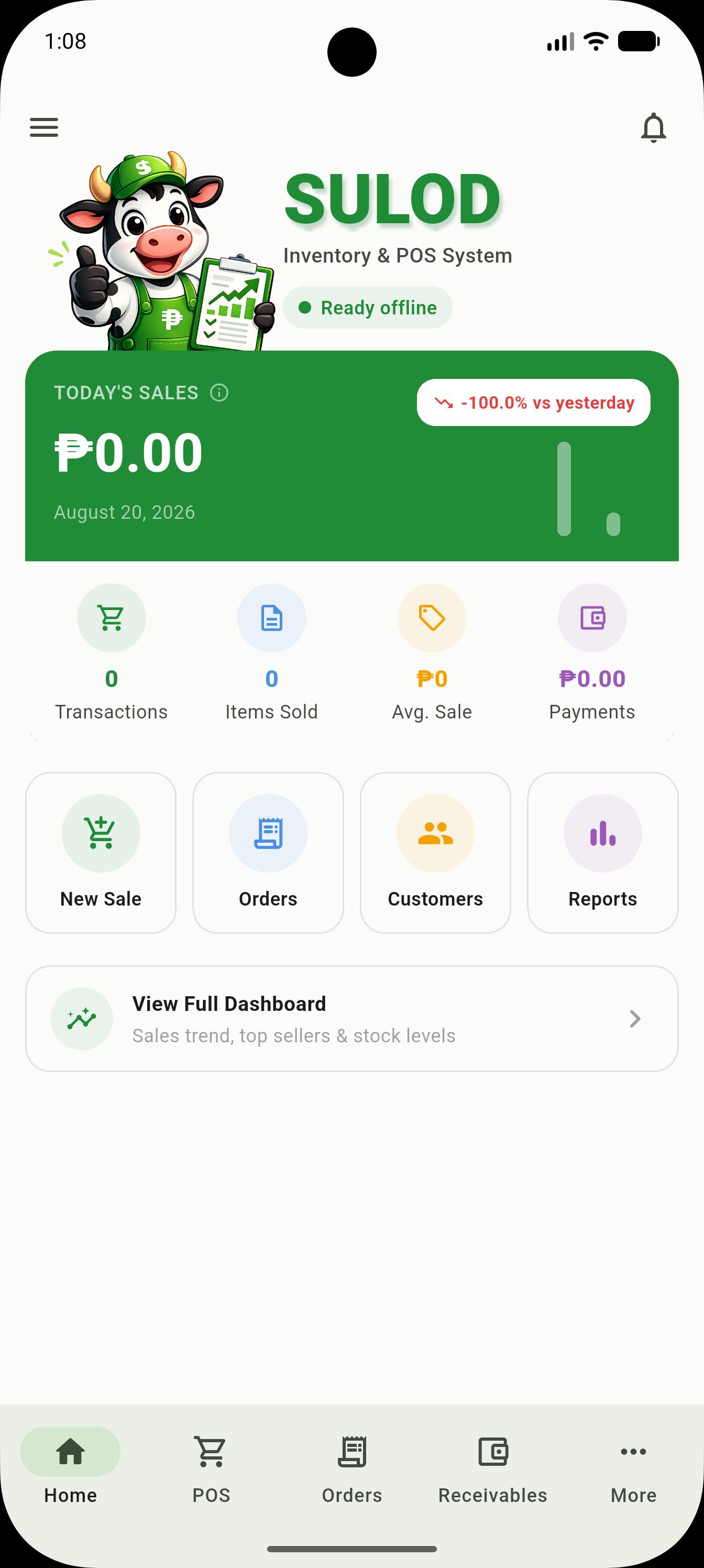
Sulod dashboard showing today's sales, shortcuts, and main navigation
Everything in viewClear totals and quick actions
Offline-firstKeep working anywhereBuilt for AndroidFamiliar and easy to usePrivate by designYour data stays with you
What you can do

The essentials,
easy to find.

Sulod keeps everyday tasks close at hand, with clear labels, large actions, and only the information you need for the job.

Fast checkout

Find items, build a cart, and finish a sale in a few taps.

Clear inventory

See stock levels and record every movement from one place.

Simple credit tracking

Keep customer balances, invoices, and payments organized.

Inside the app

See Sulod
before you install.

From the first sale to checking stock and collecting balances, here is what your day looks like inside Sulod.
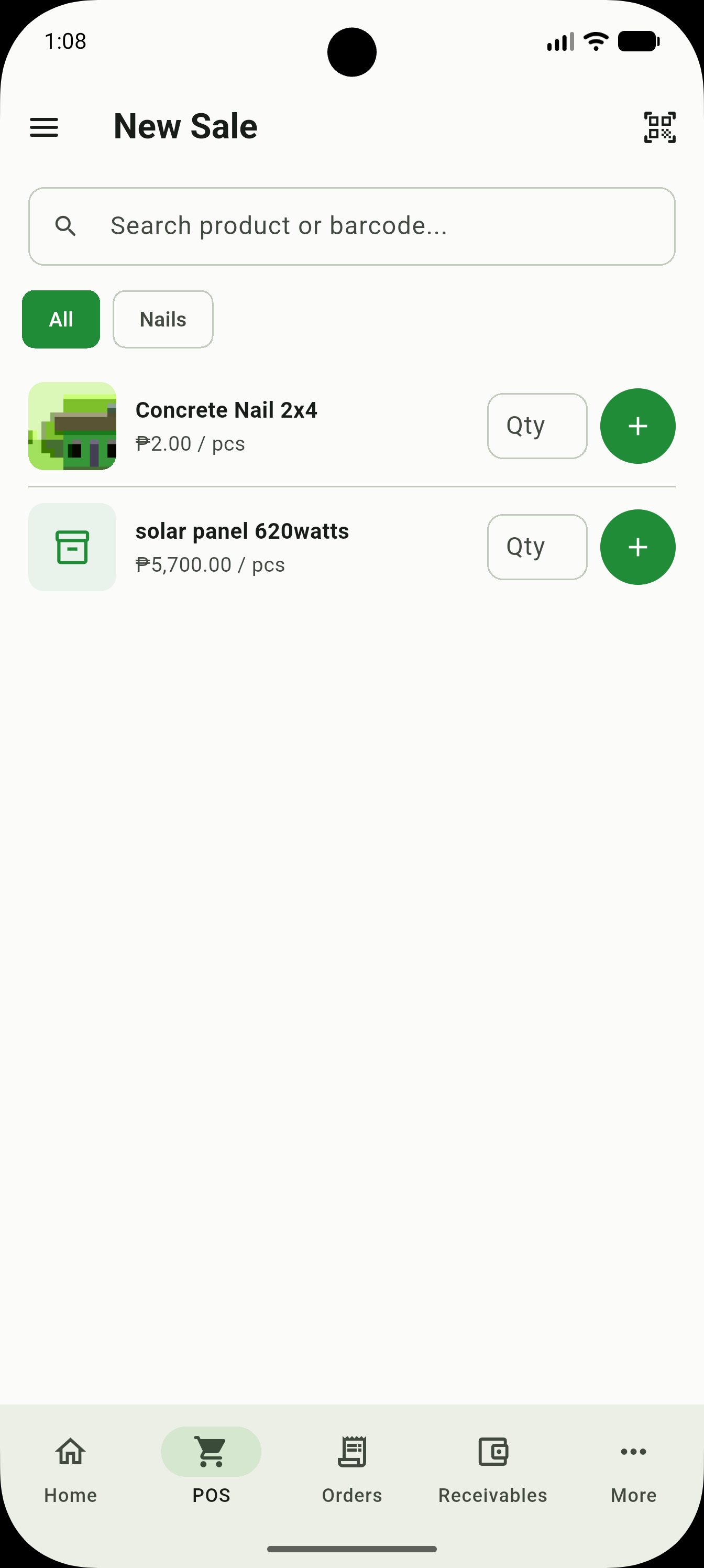
Dashboard screen in the Sulod app
DashboardDaily sales and shortcuts at a glance.
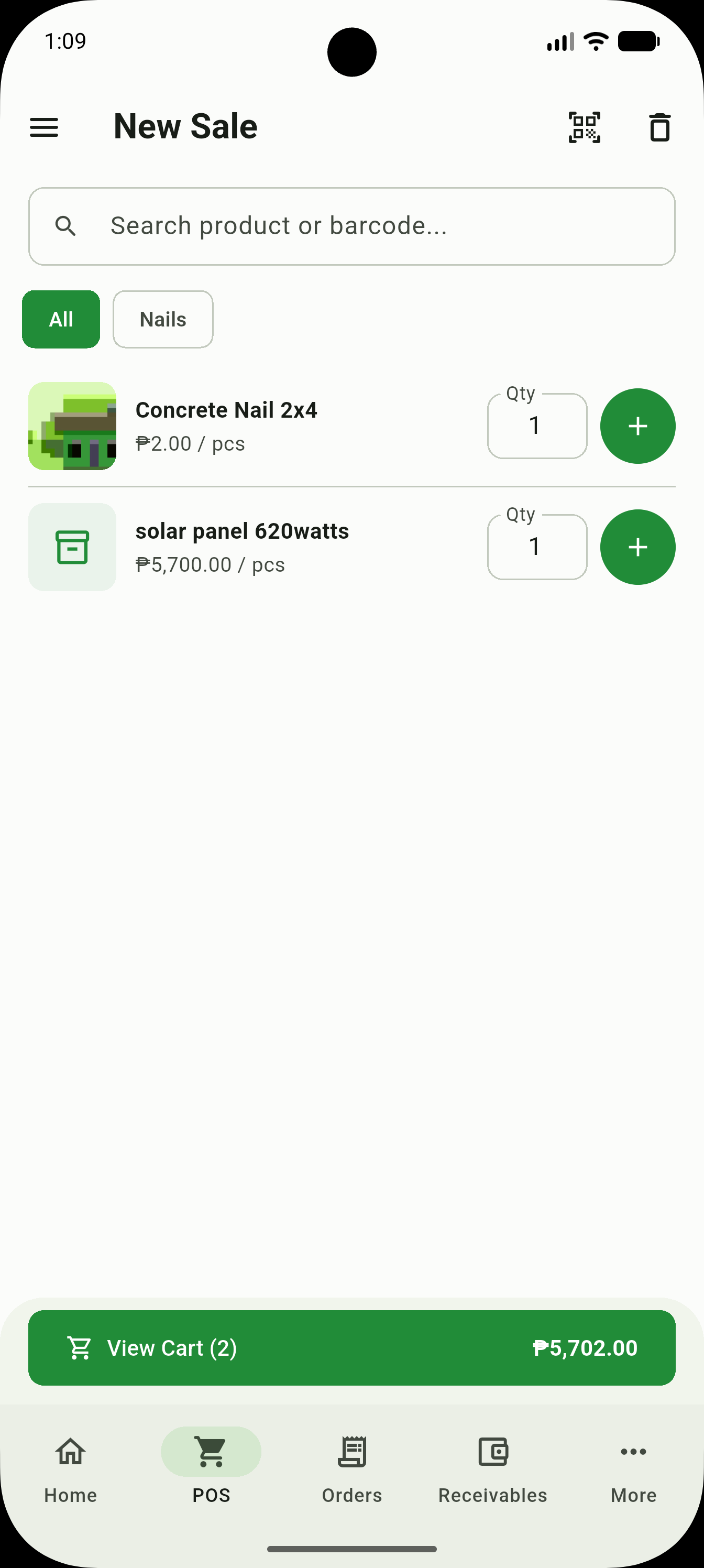
Point of sale screen in the Sulod app
Point of saleSearch or scan products quickly.
Sale in progress screen in the Sulod app
Sale in progressSee quantities and the running total.
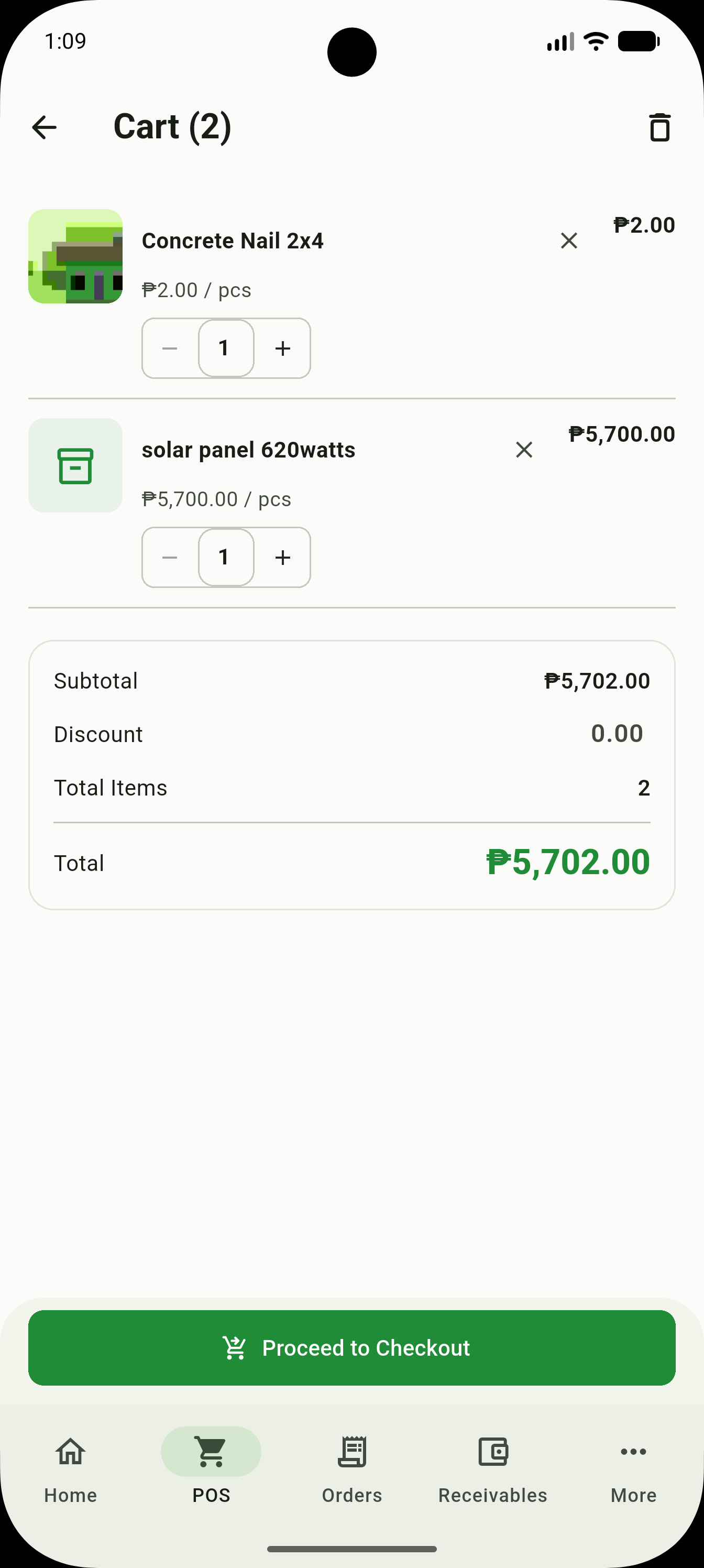
Cart screen in the Sulod app
CartReview items before checkout.
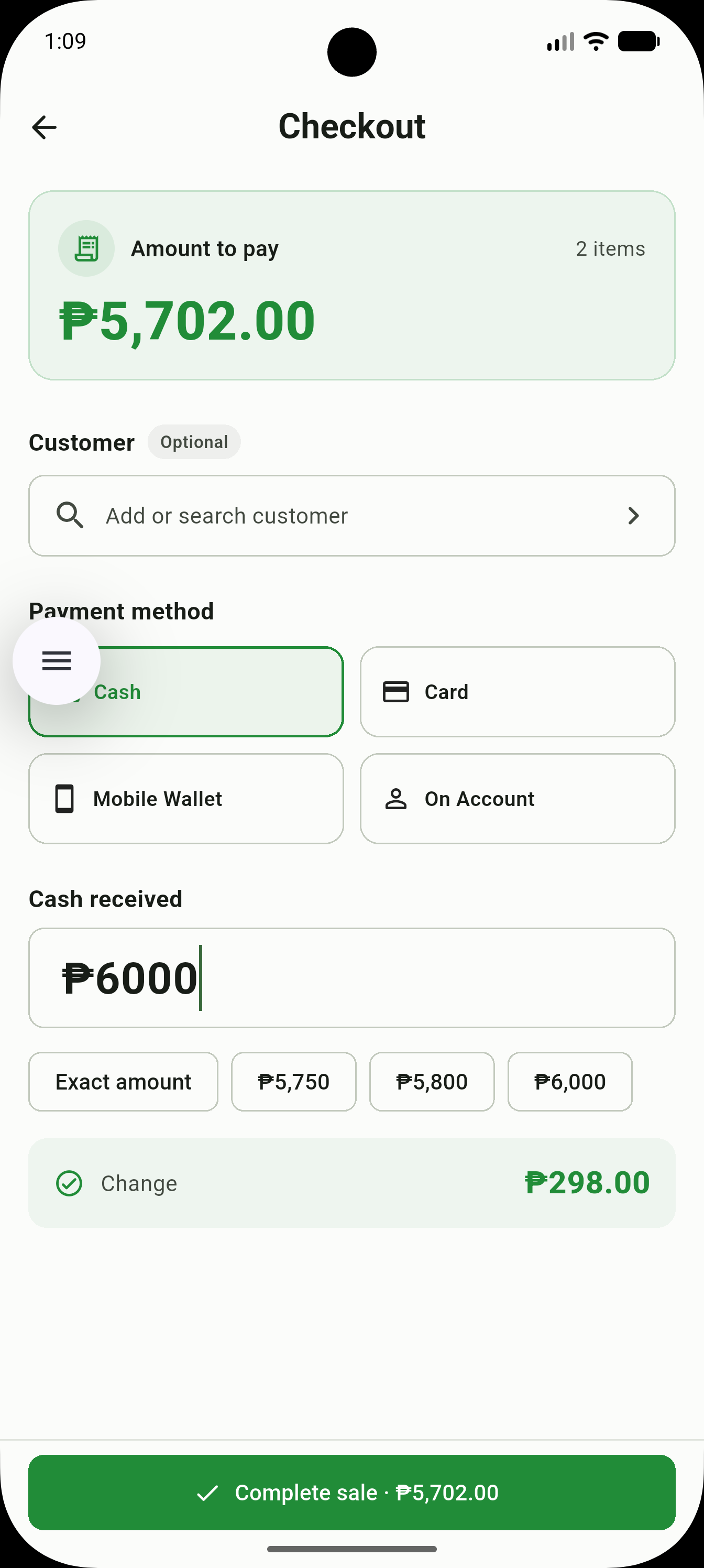
Checkout screen in the Sulod app
CheckoutAccept cash, card, wallet, or account.
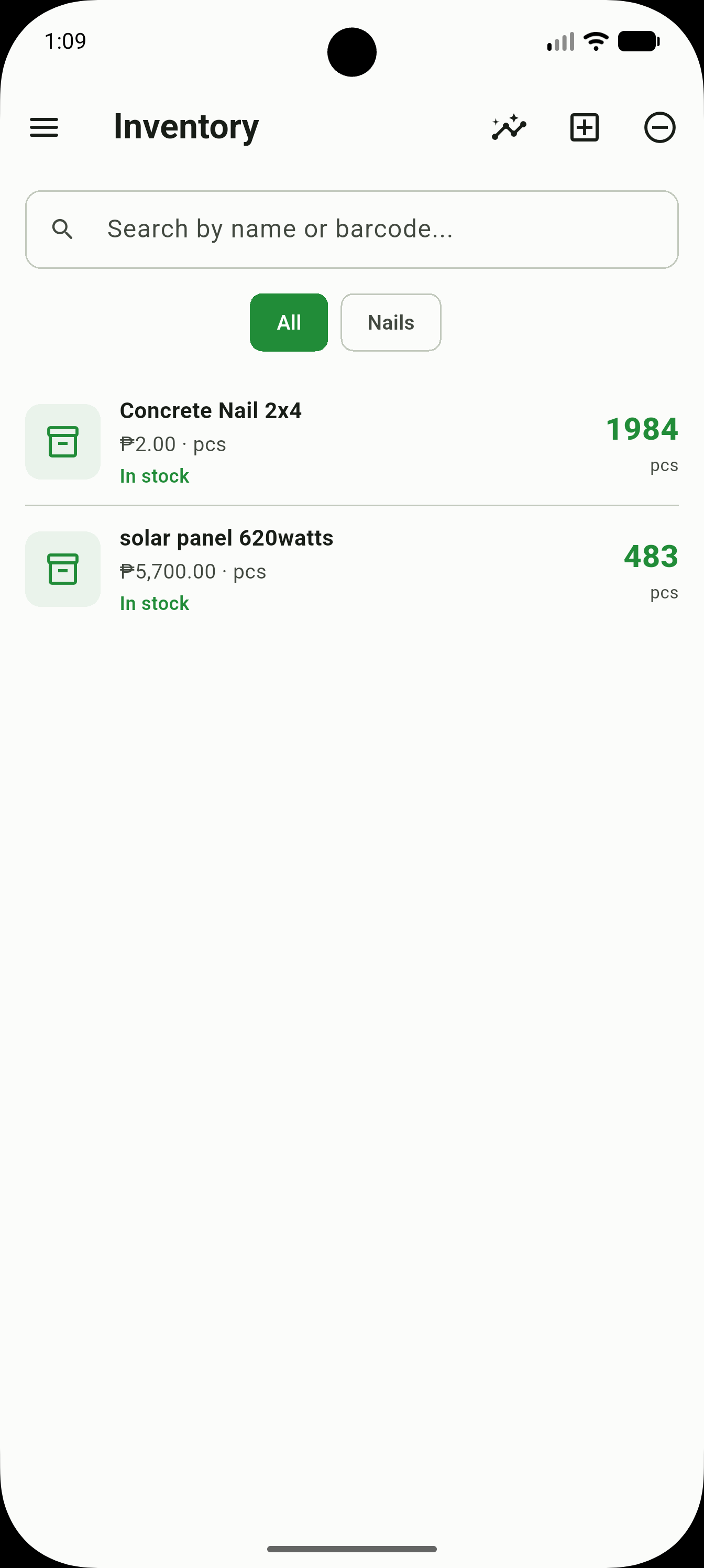
Inventory screen in the Sulod app
InventoryKnow exactly what is in stock.
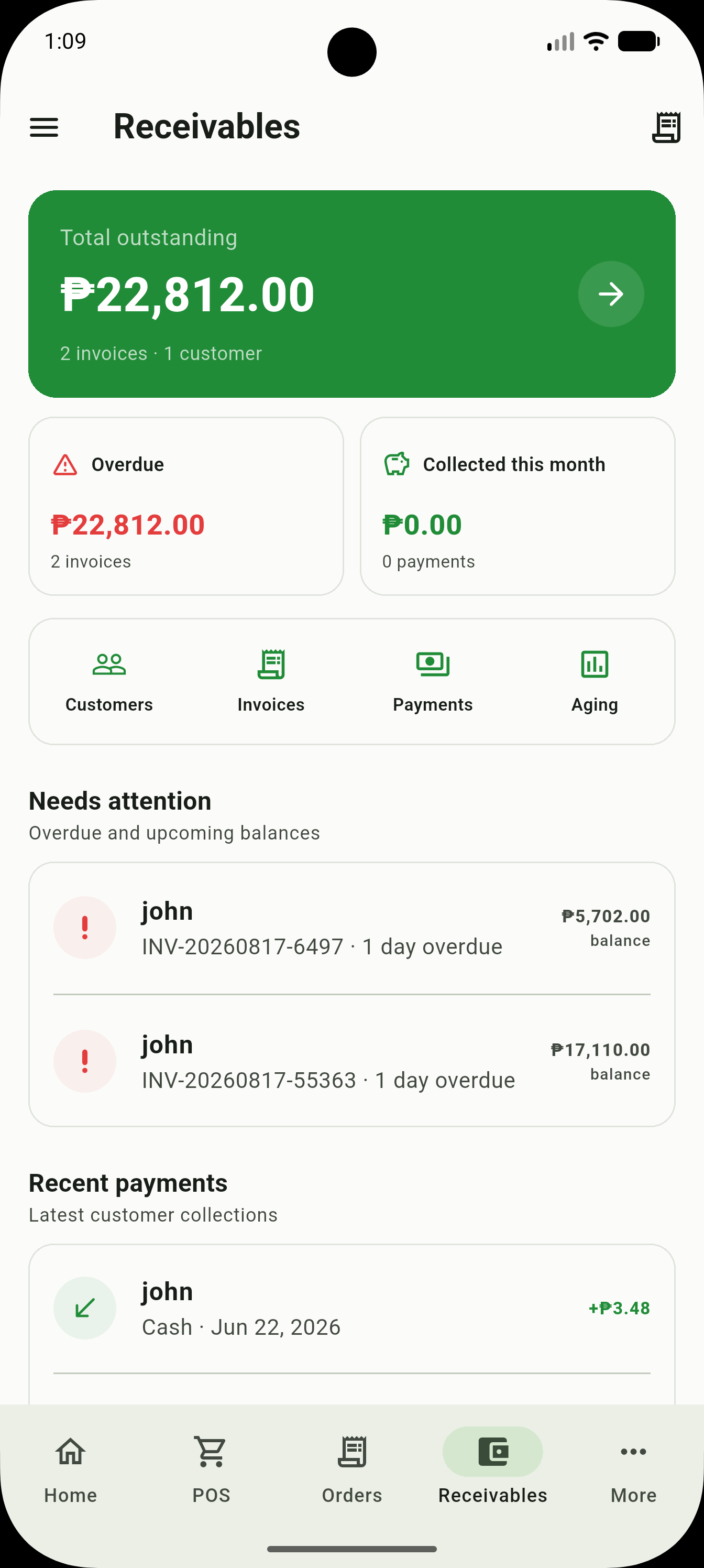
Receivables screen in the Sulod app
ReceivablesSpot overdue balances immediately.
All tools screen in the Sulod app
All toolsReach every business tool from one menu.
Stock tools screen in the Sulod app
Stock toolsStock in, stock out, and adjustments.

Swipe sideways to explore all screens.

Ready wherever you are

No signal? No problem.

Record sales and access inventory without a constant connection. Sulod keeps your everyday business data on your device.

Three quick steps

Install Sulod
on Android.

Because Sulod is installed outside Google Play, Android may ask you to allow the browser or file manager that opened the APK.

  1. Step 1

    Download

    Tap Download APK and open the Sulod file.

  2. Step 2

    Allow

    If asked, allow installs from your browser or file manager.

  3. Step 3

    Install

    Return to the installer, tap Install, and open Sulod.

Optional support

Help Sulod keep growing.

Sulod is free to use. If it helps your business, a GCash donation supports future improvements.

GCash mobile number0999 490 2357+63 999 490 2357